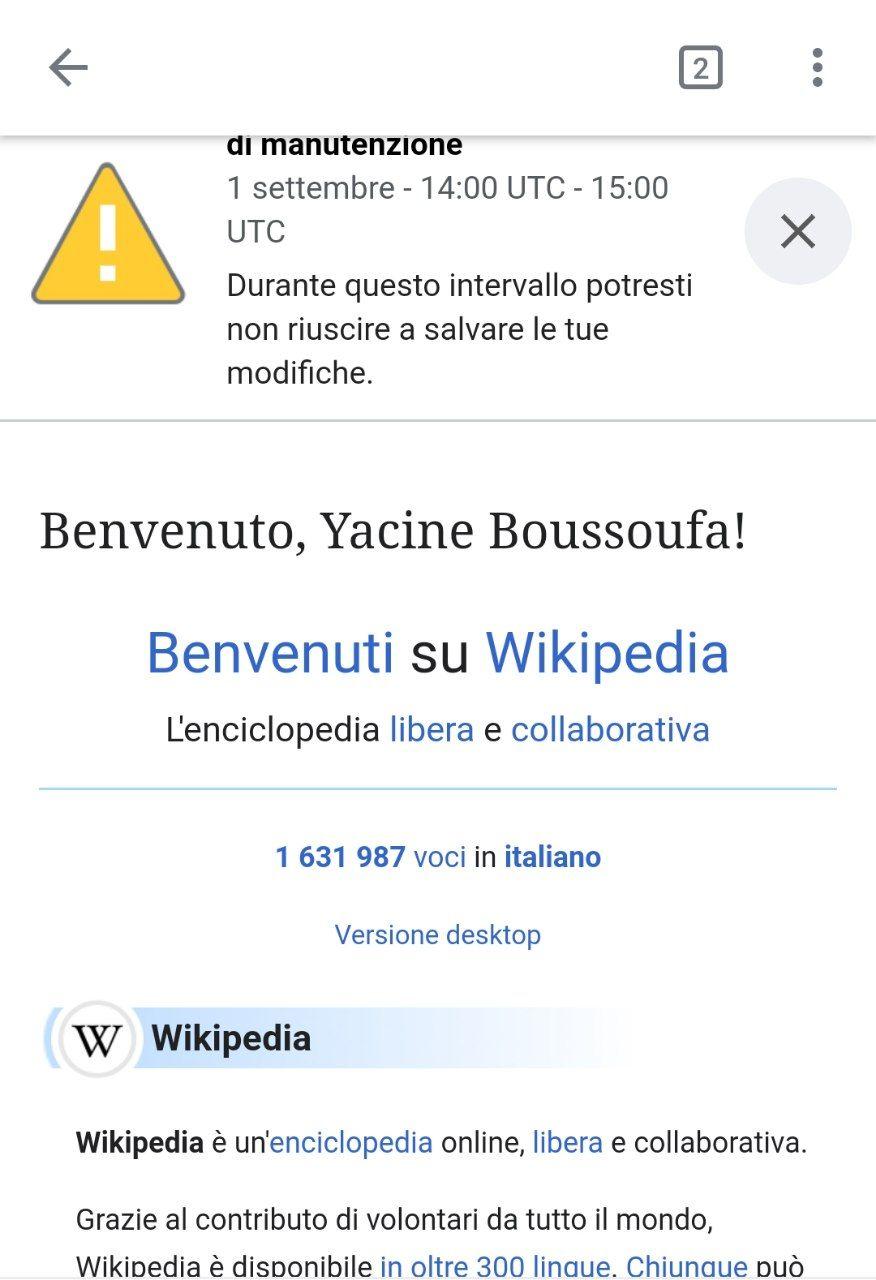
01) To be consistent with other areas of the app, please remove the app bar shadow on article pages with no header image.
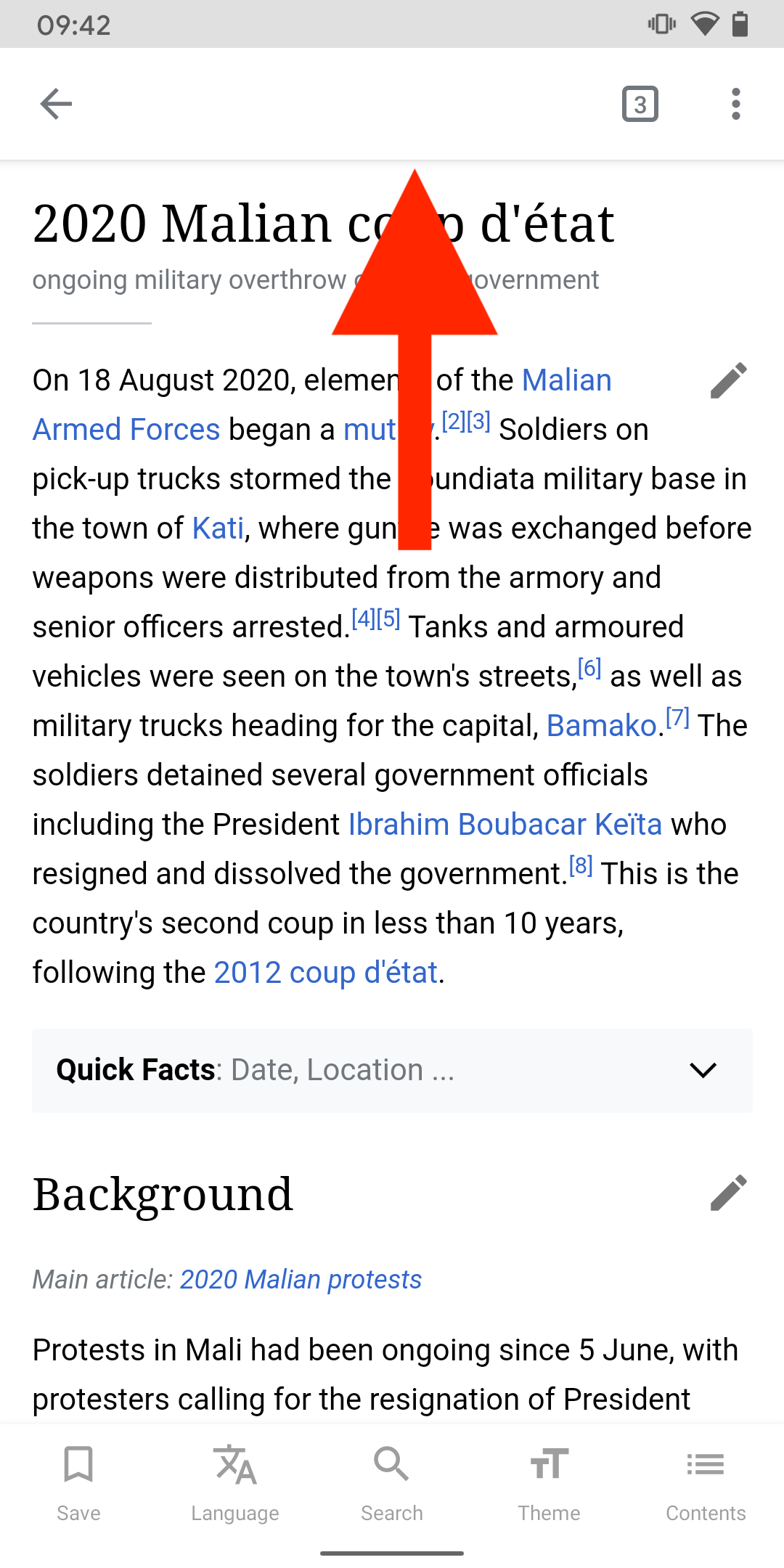
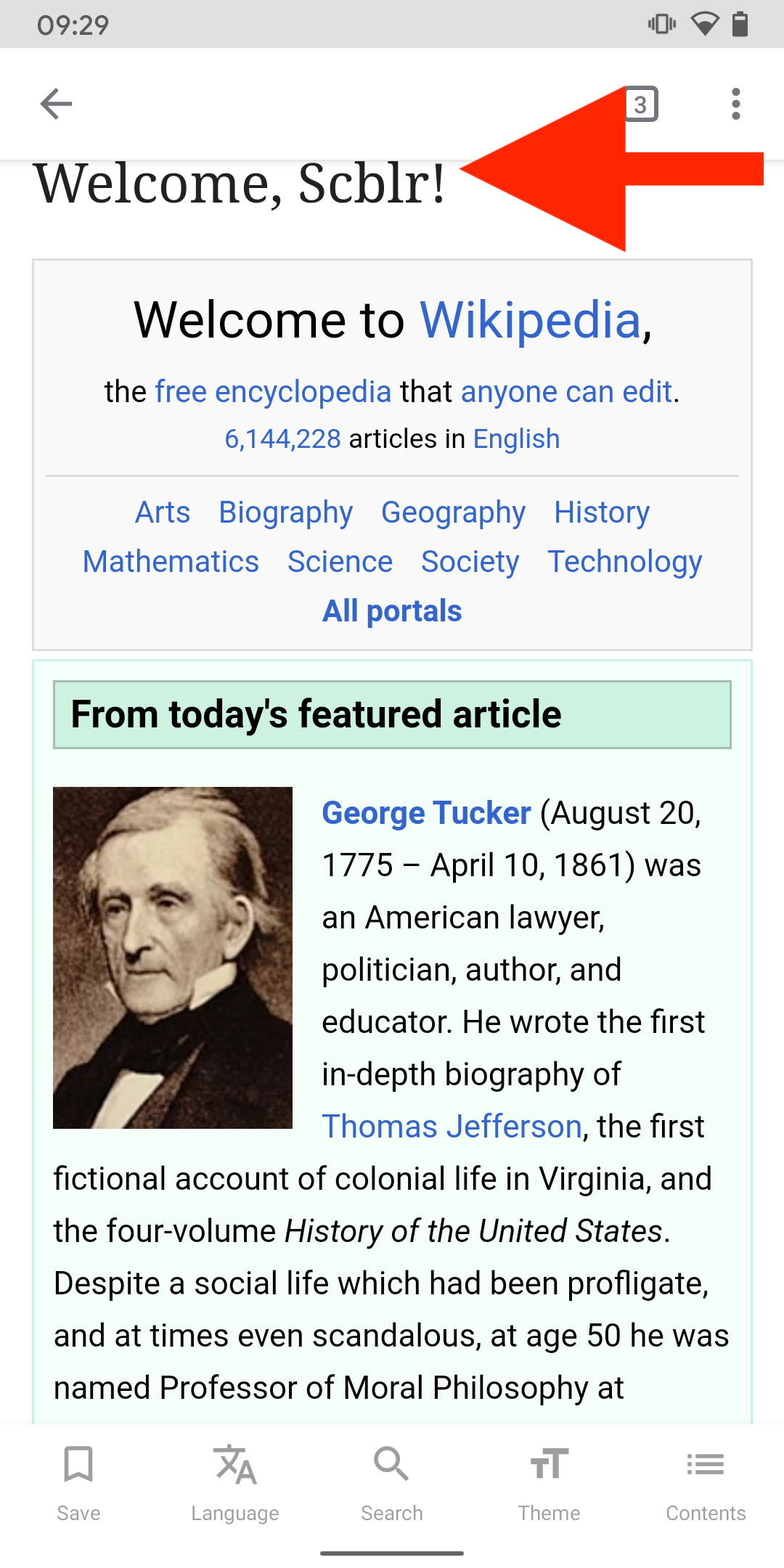
02) Make sure titles on main pages (new tab) are not cut off by the app bar (e.g. by applying more margin)
| scblr | |
| Aug 20 2020, 7:59 AM |
| F32242594: Public.jpg | |
| Sep 2 2020, 8:29 PM |
| F32242589: Alpha.jpg | |
| Sep 2 2020, 8:29 PM |
| F32240792: photo_2020-09-01_20-13-05.jpg | |
| Sep 1 2020, 6:18 PM |
| F32189679: 2020-08-20 09.29.13.png | |
| Aug 20 2020, 7:59 AM |
| F32189673: 2020-08-20 09.42.24.png | |
| Aug 20 2020, 7:59 AM |
01) To be consistent with other areas of the app, please remove the app bar shadow on article pages with no header image.
02) Make sure titles on main pages (new tab) are not cut off by the app bar (e.g. by applying more margin)
@YacineBoussoufa Thanks for the feedback. Please check the alpha version to see if it is fixed on the main page of your language.
The title issue has been fixed (2.7.50330-alpha-2020-09-02)
I've also noted that the announcements does not show in the alpha version
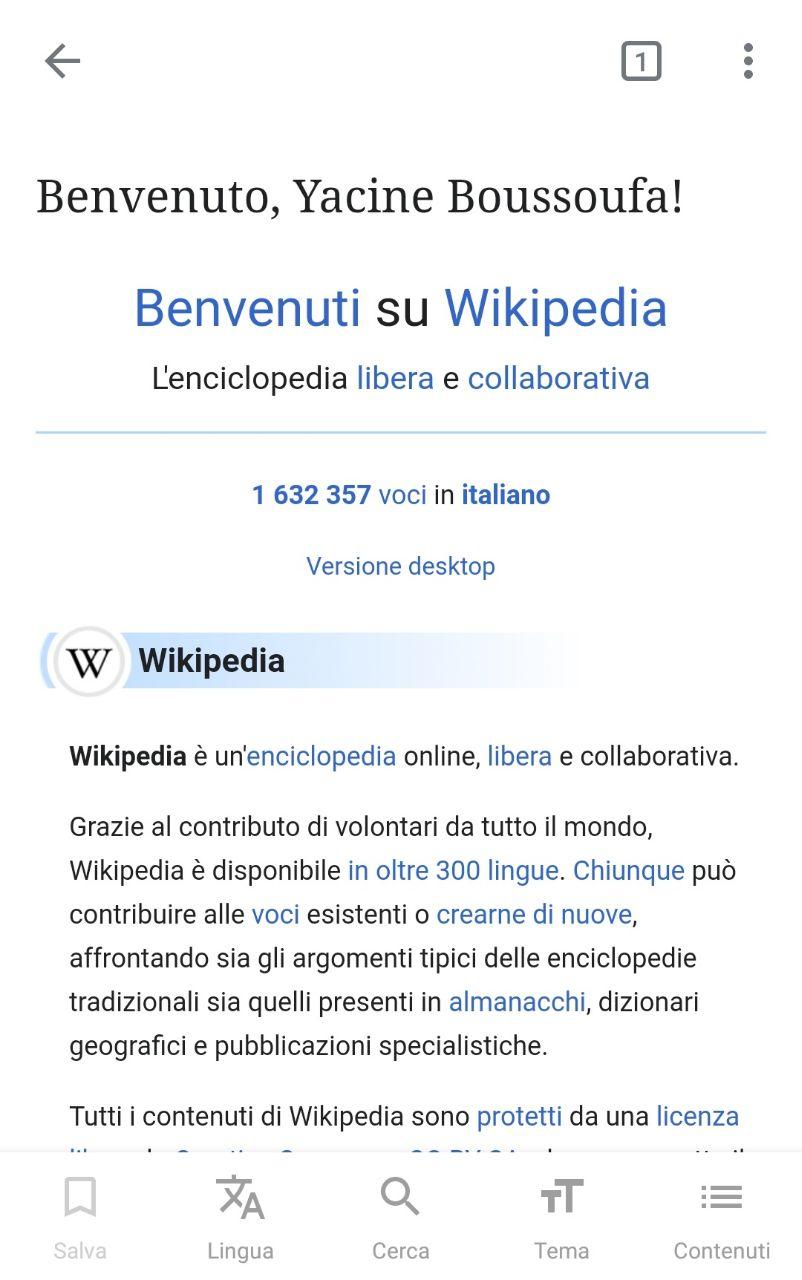
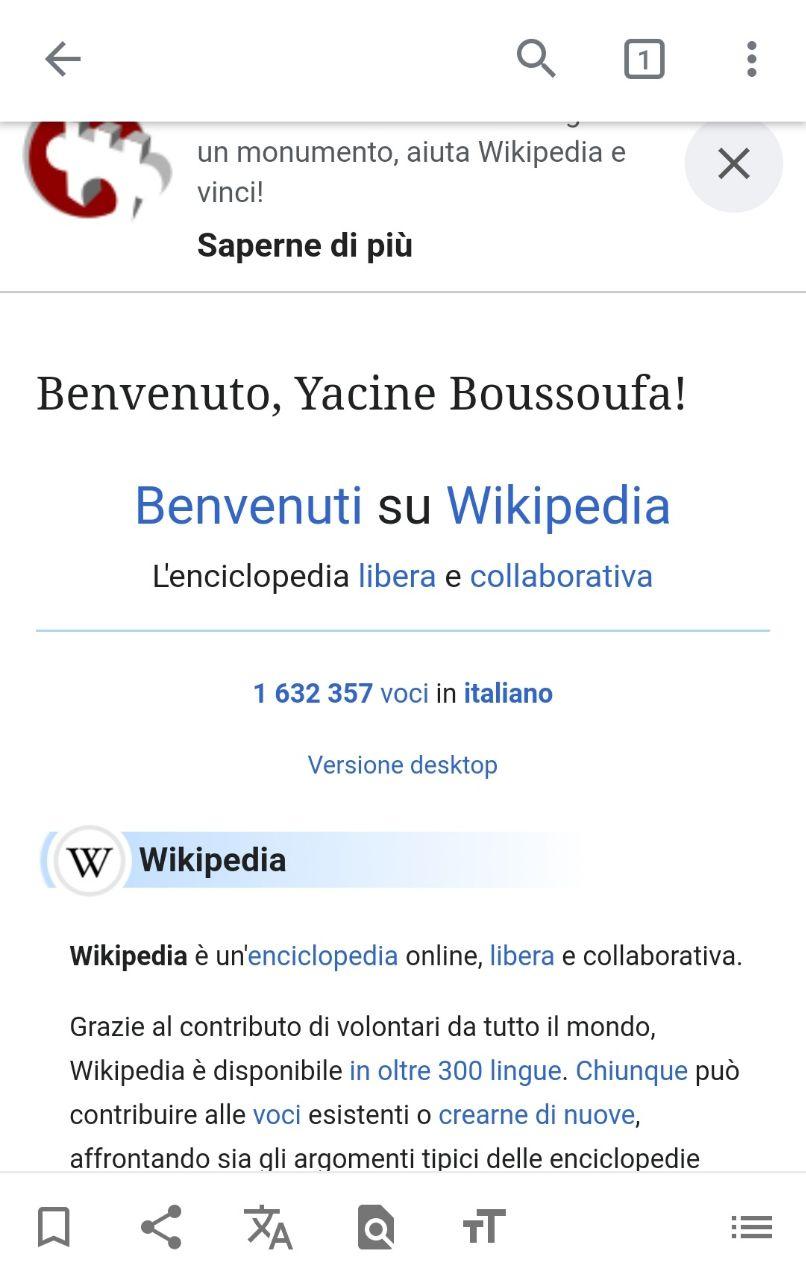
Is there a way to avoid the page jump when entering pages? E.g. the on main page 👇
https://www.dropbox.com/s/5ddjhbfy5516r6i/20200903_121415.mp4?dl=0
Thx!
Hi @schoenbaechler,
The easiest way of adjusting the margin is to insert a JavaScript to manually add the CSS style to do it, and this process can be done right after the page is loaded completely and that's why you see the jump.
Since we are showing the mobile-web for the main page only, this is not recommended to add too much code to solve the issue. The ideal way should be waiting for the mobile-html to support the Main page properly in the future.
Ok @cooltey, this is suboptimal, but let’s leave it for now if you don’t see another way....