Steps to replicate the issue (include links if applicable):
- Make a test edit using a temporary account
- Log into an account that either can suppress or has the deleterevision right
- Suppress or revision delete the temporary account username
- Load Special:RevisionDelete for the revision with the hidden username
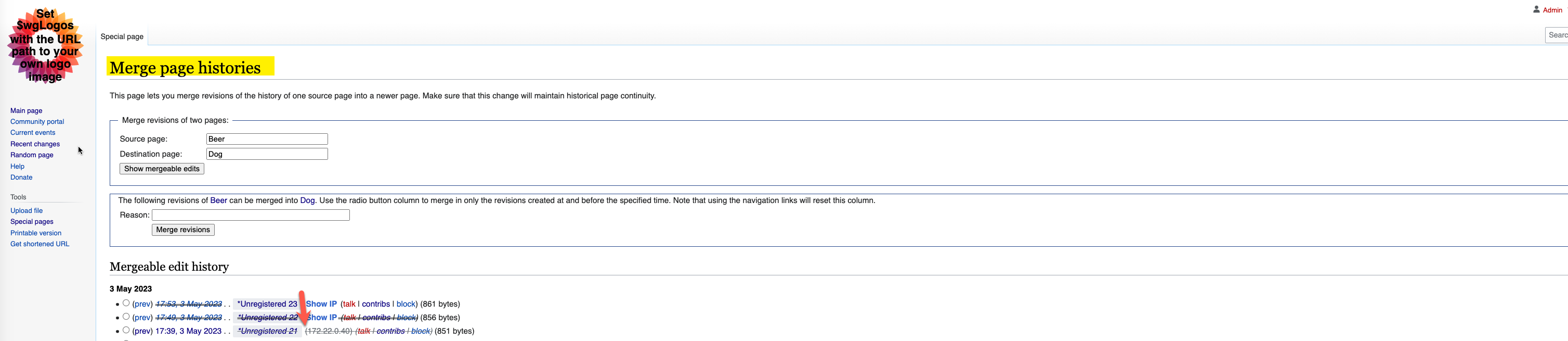
Can be reproduced on Special:MergeHistory too. Seems to only occur when the temporary account username that is revision deleted or suppressed is shown but with a strikethrough (so not on the history or contribution pages).
What happens?:
The "Show IP" button is shown in italic text.
Also when pressed the IP is struck through in the same way that the temporary account name is.
What should have happened instead?:
The button probably shouldn't be in italics.
Software version (skip for WMF-hosted wikis like Wikipedia):
Latest CheckUser and core code on local testing wiki
Other information (browser name/version, screenshots, etc.):
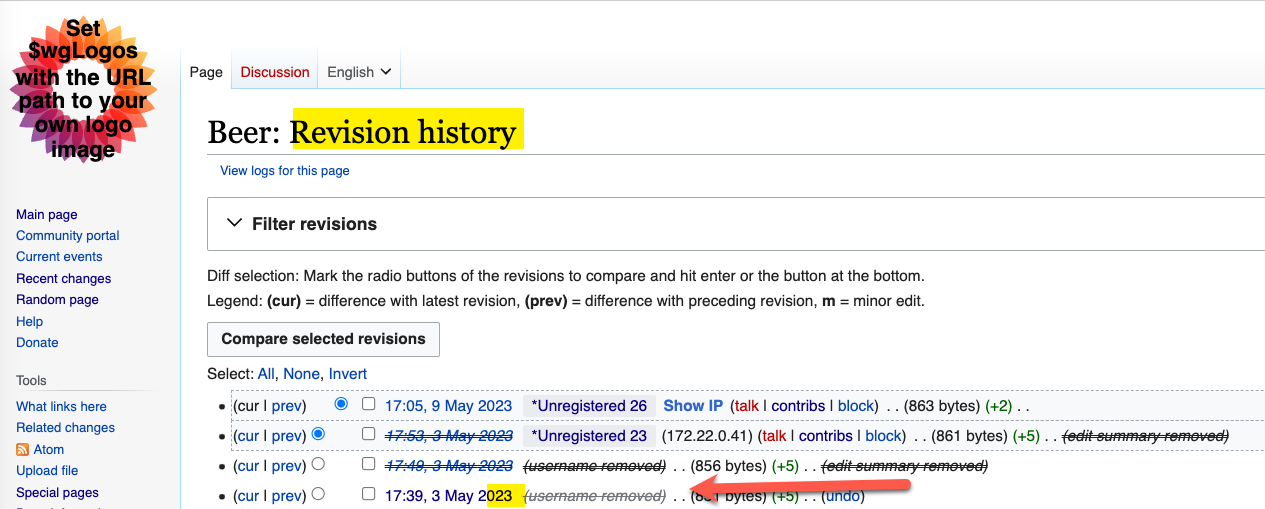
Screenshots of the issue (red arrows for clarity in case my description wasn't clear):
| Username revision deletion status | With button | After pressing button |
|---|---|---|
| Not deleted (as expected) |  |  |
| Revision deleted |  |  |
| Suppressed |  |  |
While the IP being struck through in the same way as the temporary account name may not be an issue, it could indicate that the IP revealed itself is either suppressed or revision deleted. However, the IP isn't deleted or suppressed in this case (only the temporary account username).
For Special:MergeHistory:
| Username revision deletion status | With button | After pressing button |
|---|---|---|
| Suppressed |  |  |
Testing Notes:
NB : You need to have the deleterevision or suppressrevision user right to perform these actions
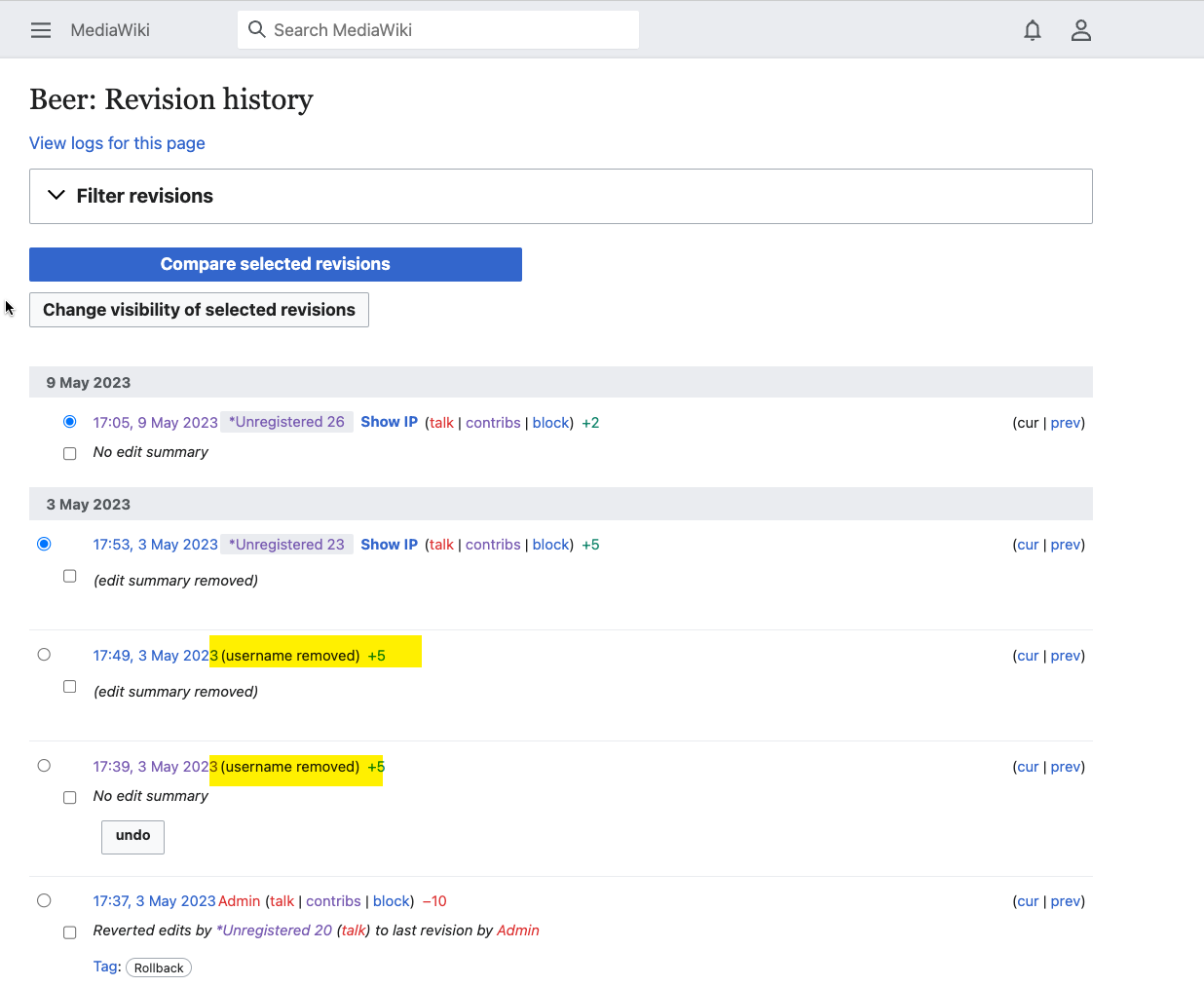
For Special:RevisionDelete:
- Go to the page history or log page where the temporary account username is shown.
- Check the box next to the revision or log entry that you want to delete.
- Click the Change visibility of selected revisions button at the top of the page.
- Choose which parts of the revision or log entry you want to hide: the revision text, the edit summary, or the editor’s username/IP address.
- Optionally, check the box to hide the information from administrators as well (if you have the suppressrevision right).
- Enter a reason for hiding the information in the box provided.
- Click Apply to selected revision(s).
- Check that the 'Show IP' button and the revealed IP information font style is not italicised
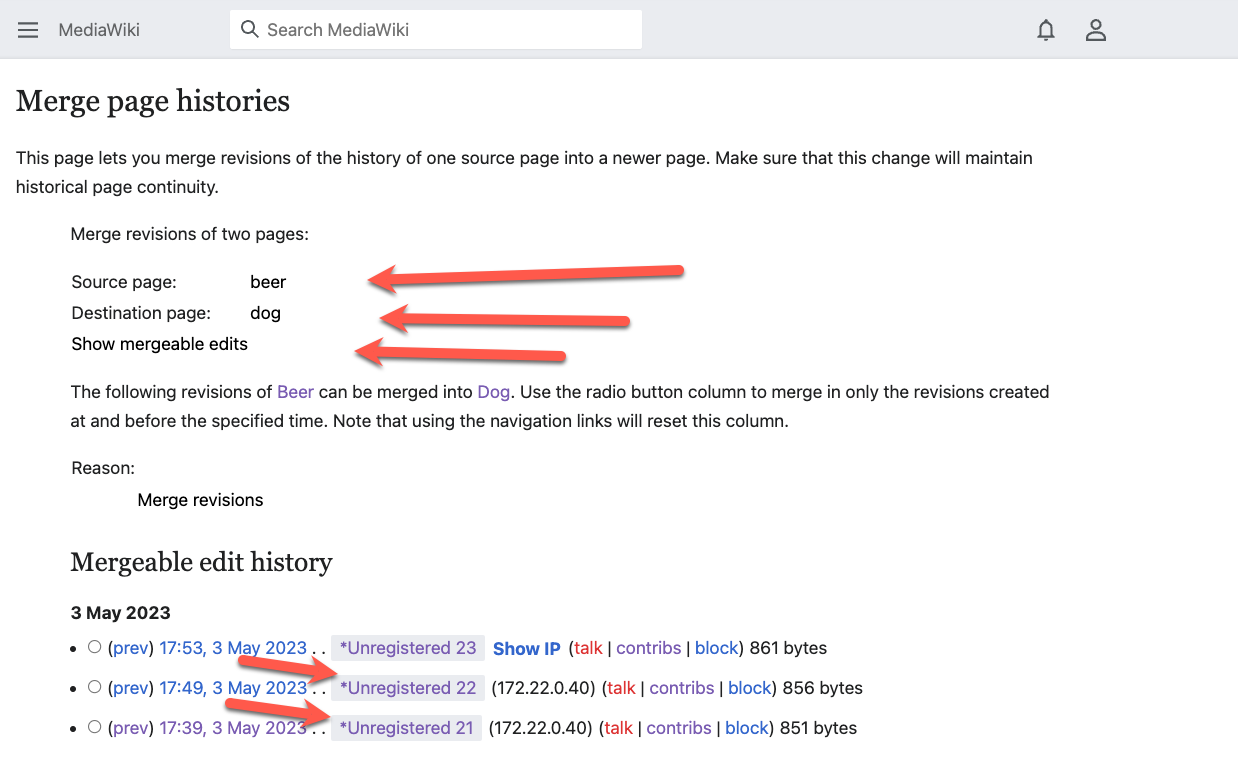
For Special:MergeHistory:
- Go to the Special: MergeHistory page
- Enter the Source Page and Destination Page names
- Click on Show Mergeable Edits button.
- On the Mergeable edit history section check that the 'Show IP' button and the revealed IP information font style is not italicised