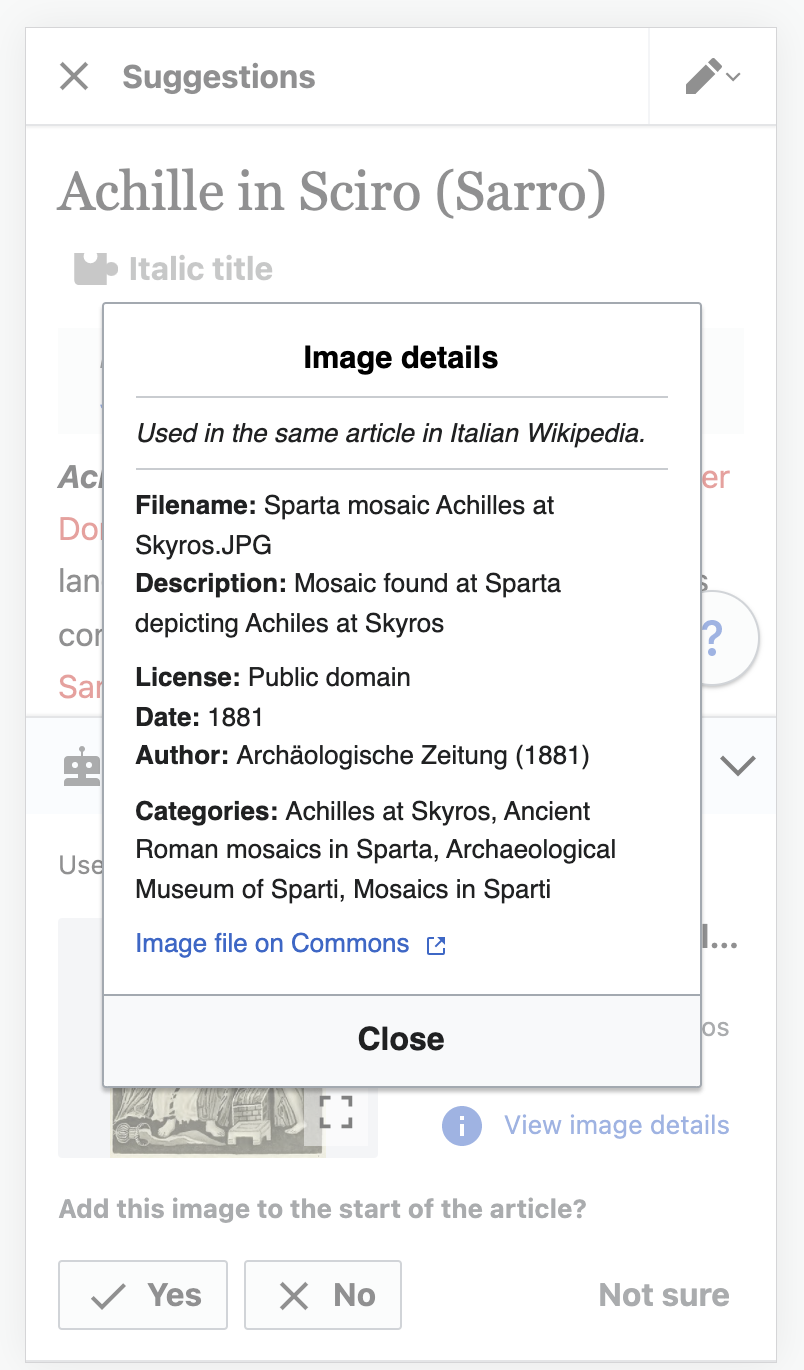
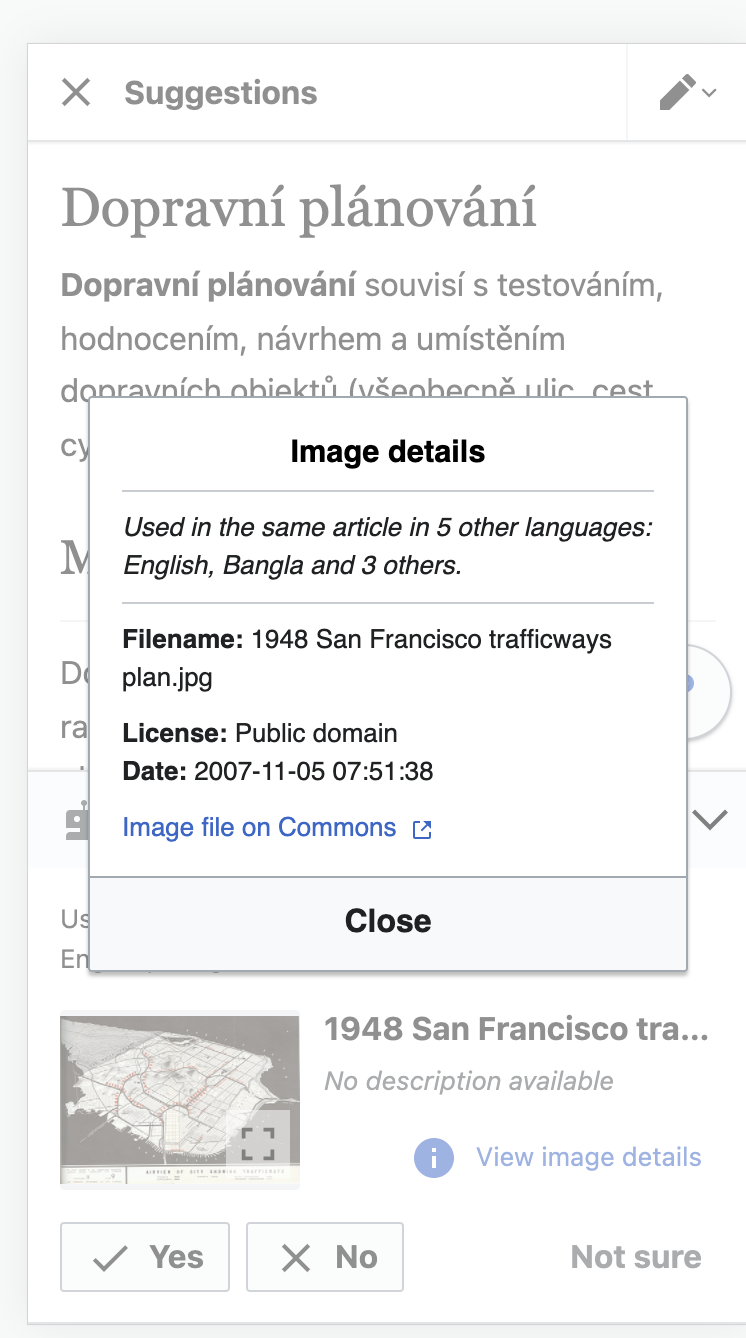
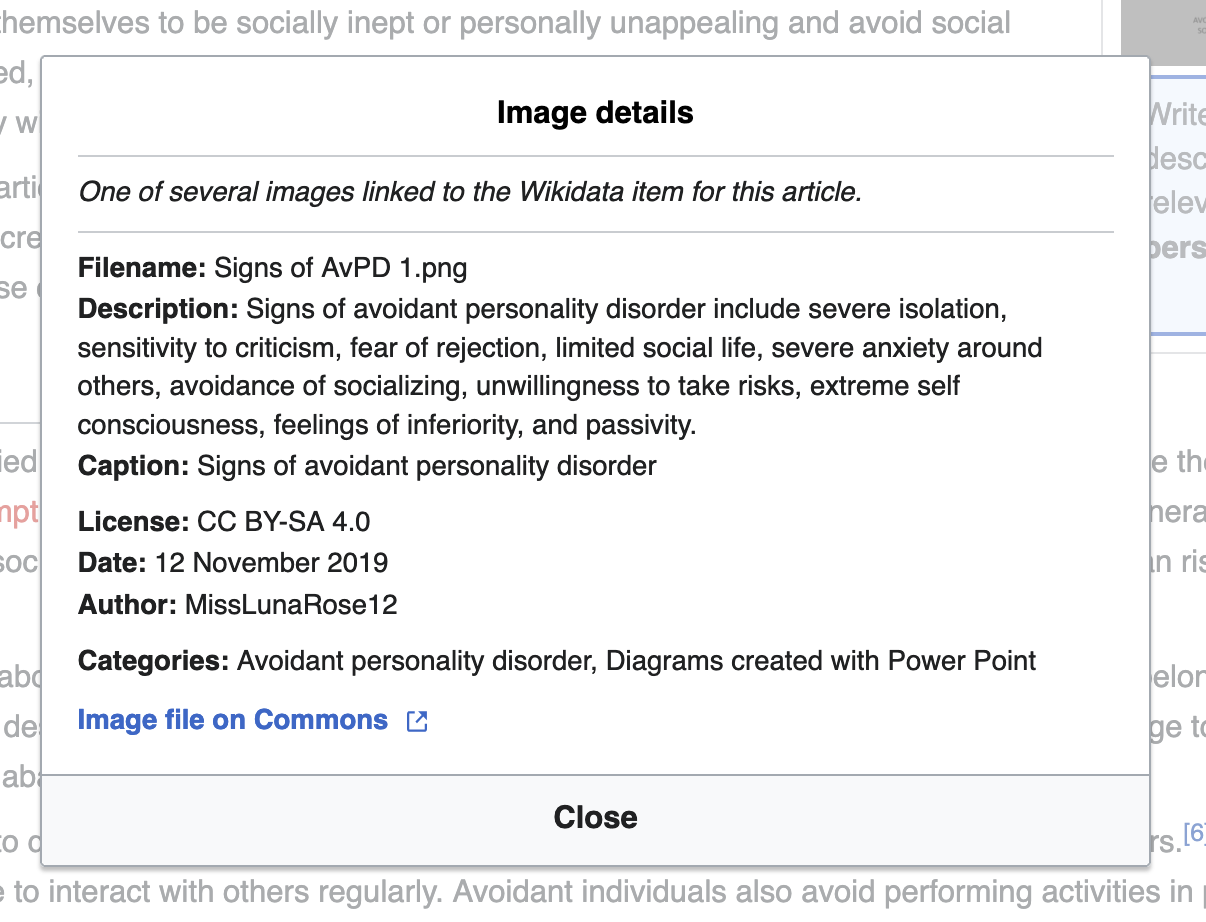
This task is about the dialog for viewing image details, to be used with both T290045: Add an image: image inspector and T290781: Add an image: captions. The dialog appears in these two situations:
- On the image inspector, when the user taps the image details area.
- During the caption process, when the user taps to "View image details".
- Header: "Image details"
- Body: it should contain the suggestion reason, followed by the specified metadata fields from the image on Commons. The labels of the fields should be in bold. For each of these fields, we should display in the wiki's content language when available, and then use the wiki's fallback chain if available. Otherwise, fallback to English, and to any available language if English is unavailable. We would rather show something in a different language than nothing at all.
- "Suggestion reason": this is the suggestion source reason. Display business rules will follow whatever is shown in the inspector card (per T292467)
- "Filename"
- "Description": this is the free-text description.
- "Caption": this is the structured data caption.
- "License"
- "Date"
- "Author": if an image has multiple author-like attributes, such as a photographer and a painter, we should try to show all of those in this field in a sensible way.
- "Categories": these are the page's actual categories. This should not show hidden categories.
- There should be a line of whitespace between "Caption" and "License"; and also between "Author" and "Categories".
- When a field is null, it should
contain a dash, like this: "Caption: -"not appear at all
- The bottom line should be a blue link with "external link" icon: "Image file on Commons"
- The dialog has a single "Close" button at the bottom.
- If some of the fields have a lot of content, that's okay -- the dialog should just be scrollable.