What is the problem?
Currently, all the user preferences associated with IPInfo (T264150 and T292802) can be set globally.
We should decide whether this is desirable.
For example, we might prefer that administrators have to explicitly request access on each wiki they want to use IPInfo on.
If we decide to allow the preferences to be set globally, T&S needs to be aware that there are two possible places they need to look at (e.g. if they want to know who has access to IPInfo).
We should also be aware that allowing options to be set globally increases the amount of testing necessary (in my experience by a significant amount).
Steps to reproduce problem
To enable these options globally:
- Clone and enable GlobalPreferences extension ( wfLoadExtension("GlobalPreferences"); )
- Go to Special:GlobalPreferences (e.g. https://en.wikipedia.beta.wmflabs.org/wiki/Special:GlobalPreferences)
- Click on the "Beta features" tab
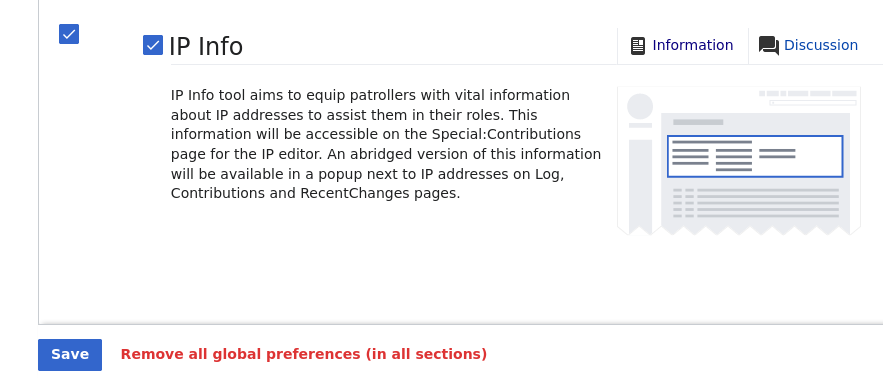
- Scroll down to the "IP Info" checkbox
- Click both checkboxes to make it global and turn it on globally
- Click Save
- Go to the "User profile" tab
- Scroll down to the section titled "IP Information"
- Check all four checkboxes to enable both options globally
- Click Save
Screenshots
The IP Info checkbox on the Beta features tab:
IP Information section on the User profile tab:

Investigation
Investigate setting IPInfo user preferences as Global Preferences and how much work this entails before going back to Product on making that change.

