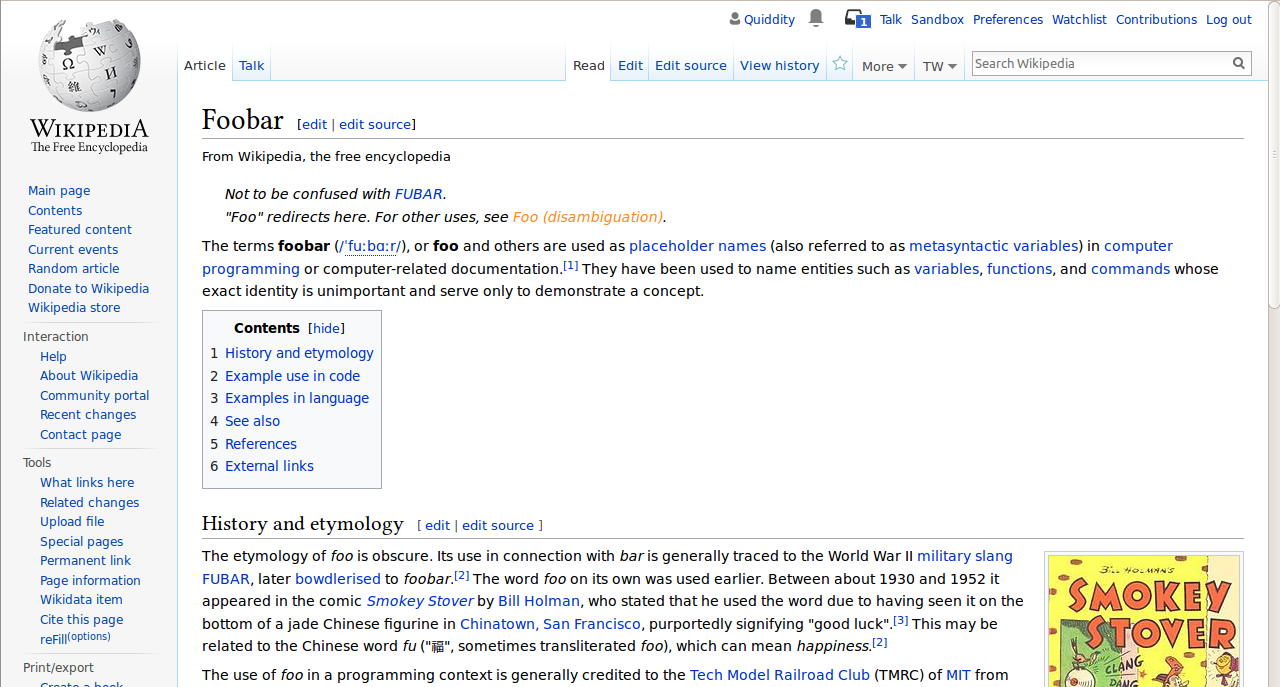
Background goal
When an article consists of different sections and the first section does not contain a header (== header ==) it can not be edited seperately but you have to edit the complete article to change the section. This is especially bad if the page is very large where the complete page has to be loaded and saved back to the database.
Suggestion: let Mediawiki check if there are sections, if so and there is no heading in the first one craeate a link to edit this first section (if there is a header there is no problem).
For examples take a look at http://de.wikipedia.org/wiki/Wikipedia:Mailinglisten and you see what I mean.
This functionality is provided by a gadget on many wikis. It goes by various names, and there are minor differences in functionality. As of November 2025 the gadget counts are as follows:
- EditTop: 169 wikis (quite a few are duplicates of or directly load mw:MediaWiki:Gadget-edittop.js )
- EditZeroth: 8 wikis
- Section0: 3 wikis
Original bug author: tluft
Current behavior across skins and platforms
| Desktop (Vector 22, Vector legacy, Timeless): uses a [edit] link to open the edit mode. The top tab "Edit" opens the full page editing while the [edit] on each section's title open that section to edit. | |
| Minerva: uses an icon-only button to open the edit mode. The top edit button currently opens the 1st section (lead section) editing, while the pencil icon on each section's title open that section to edit. | |
| App: uses an icon-only button to open the edit mode. There is an option to edit the lead section included within the first block of text. When clicking on it, it displays a menu with 2 options: Edit description of the article / Edit introduction | |
Proposed solution
desiger: @bmartinezcalvo
- Include an option to edit the lead section within the first paragraph of the lead section (same as in App).
- Use a Tooltip when hover over the different edit options, indicating which part of the article will be edited.
- Depending on how much we want to unify the experience across skins and platforms — and how prominent we want the edit action to be — there are 2 possible solutions:
- Use the [edit] link on desktop and an icon-only button on mobile. This approach follows the current production pattern and maintains the traditional behavior.
- Use the pencil icon-only button across all skins. This option unifies the experience across platforms, making the edit action more prominent and visually inviting.
| Using [edit] link on desktop | Unifying to pencil icon-only button in all skins |
WIP implementation
Engineer: @Samwilson
- https://gerrit.wikimedia.org/r/c/mediawiki/skins/Vector/+/1207828
- How to try out?: Vector-2022 & Vector
- Status:
- Experimenting with Vector (both) to put the edit link in the 1st paragraph of the intro.
- Unclear if it should be a skin feature or in Core. Or the new WikimediaCustomizations extension.
- Next steps:
- Gate behind a feature flag, and add to the Experimentation Lab.
- When VE isn’t installed, or in VE’s single-tab mode, use an icon instead of the word ‘edit’.
- Regardless of the edit link, the prefilled edit summary could be added, e.g. /* top */
Open questions
- Do we want to replace the [edit] link with an icon-only button to unify the experience across all skins?
- Do we want this solution be just a skin feature or in core?
Acceptance criteria (or Done)
- Explore possible solutions
- Decide on using [edit] link or icon-only button on the different skins